


-
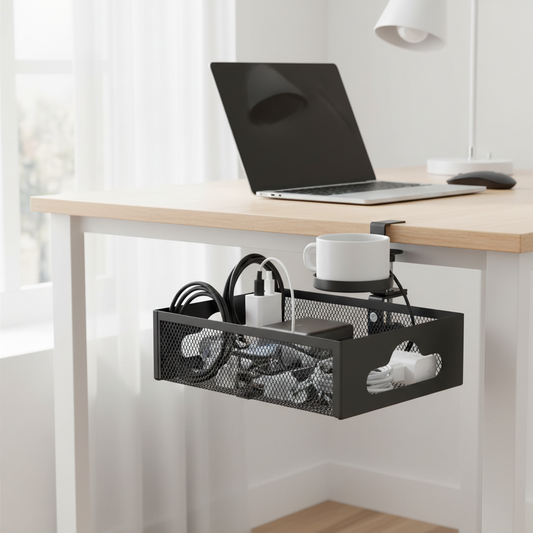
🧷 Cable Organizer | Metal Desk Tray | Office Setup | Desk Lovers | Clutter-Free Look
Regular price $41.99Regular price $41.99 Sale priceUnit price per -
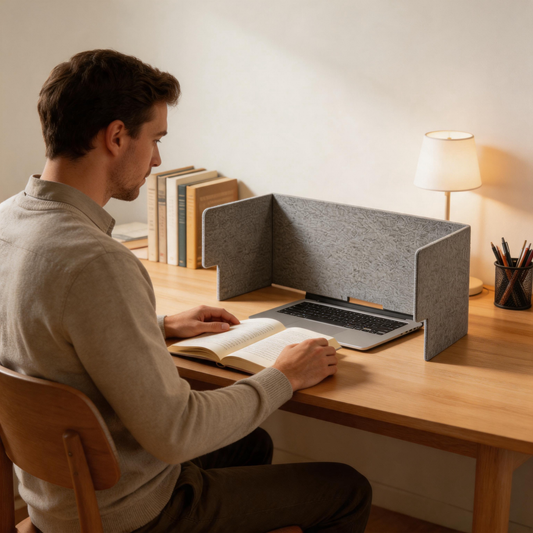
🧩 Desk Privacy | Felt Office Divider | Coworker Focus Upgrade
Regular price $39.99Regular price $39.99 Sale priceUnit price per -
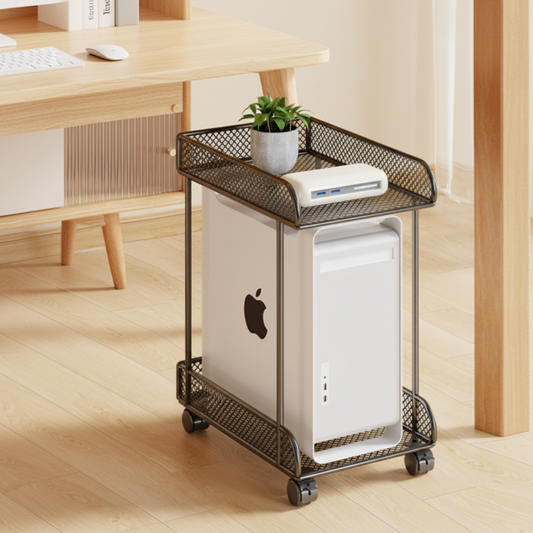
🖥️ Rolling CPU Stand | Metal Mesh Storage | Smart Office Organizer
Regular price $42.99Regular price $42.99 Sale priceUnit price per -
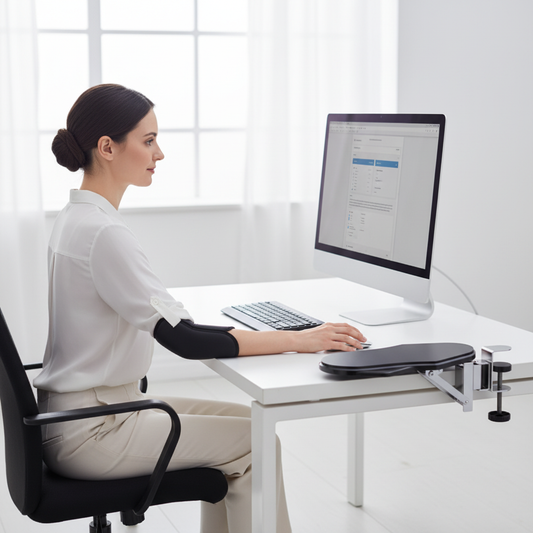
🖥️ Ergonomic Armrest | Metal Desk Support | Office Comfort Upgrade
Regular price $36.99Regular price $36.99 Sale priceUnit price per -
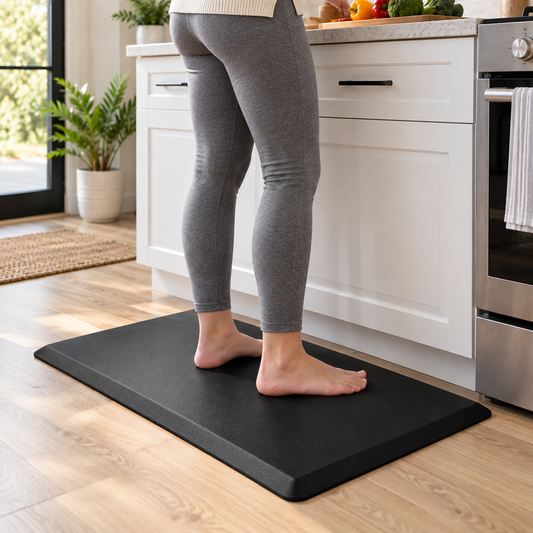
🖤 Anti-Fatigue Standing Mat | Cushioned Support | All-Day Standing Comfort
Regular price $49.99Regular price $49.99 Sale priceUnit price per -
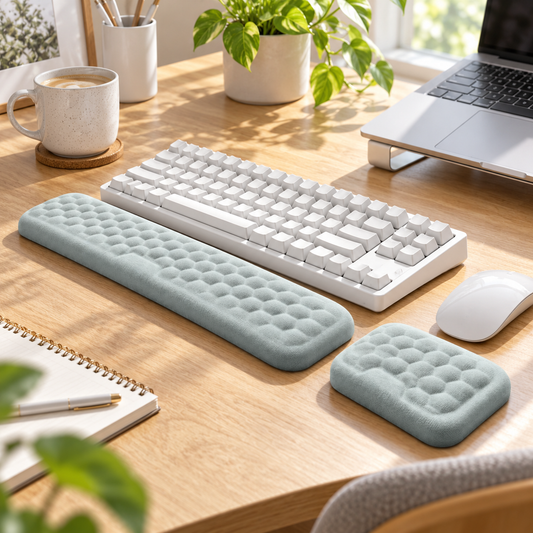
Ergonomic Wrist Rest Set | Soft Cushioned Support | Desk Comfort Duo
Regular price $34.99Regular price $34.99 Sale priceUnit price per -
💛 Ergonomic Lumbar Support Pillow | Memory Foam Comfort | Everyday Back Support
Regular price $42.99Regular price $42.99 Sale priceUnit price per -
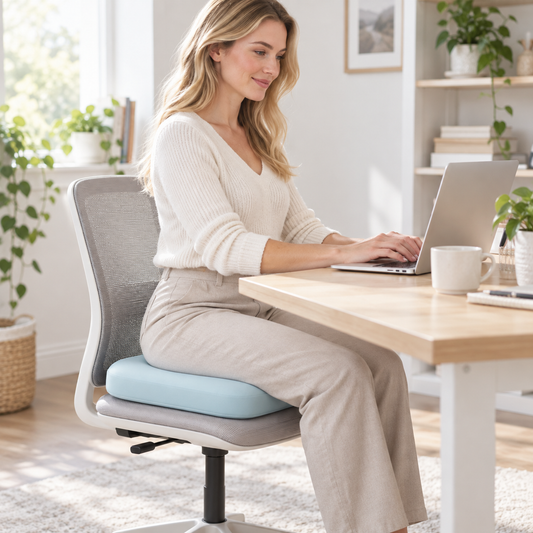
Memory Foam Seat Cushion | Soft Chair Support | Everyday Sitting Comfort
Regular price $44.99Regular price $44.99 Sale priceUnit price per









SUPPORT WHERE YOU FEEL IT MOST
-

BACK & SEAT
Add cushioning and support for longer periods of sitting.
-

WRISTS & ARMS
Create a softer, more supported position while typing and using a mouse.
-

LEGS & FEET
Give your feet a more comfortable place to rest or shift throughout the day.


COMFORT DOESN’T REQUIRE A COMPLETE REDESIGN
A better workspace can start with a few thoughtful adjustments. Add support where you need it most while keeping the desk you already use.
QUESTIONS ABOUT EVERYDAY COMFORT?
Simple ways to add more support to the way you sit, stand and work throughout the day.
What ergonomic accessories are useful for long hours at a desk?
Small additions can make a workspace feel more supportive without changing the entire setup. Lumbar supports and seat cushions can add comfort while sitting, wrist rests and arm supports can create a softer position for your hands and arms, and a foot rest can give your feet a dedicated place to rest or shift throughout the day.
Should I use a foot rest while sitting?
A foot rest can be useful when your feet do not rest comfortably on the floor or when you prefer to change leg positions while working. Adjustable or rocking designs can also make it easier to shift your position during longer periods at a desk.
Can a lumbar support be added to an existing office chair?
Many lumbar support cushions are designed to work with existing office chairs, making them a simple way to add extra lower-back support without replacing the chair. Check the product dimensions and attachment method to make sure it fits your chair securely.
How can I make a standing workstation more comfortable?
Start with the areas that take the most pressure while standing. An anti-fatigue mat can provide a softer surface underfoot, while keeping your screen and work surface at a comfortable height can help create a more practical standing setup. Alternating between sitting and standing can also help keep your workspace flexible.